
A useful resource library needs to do more than display a collection of posts. It should help people find relevant information, save what matters to them and keep track of what they have already used.
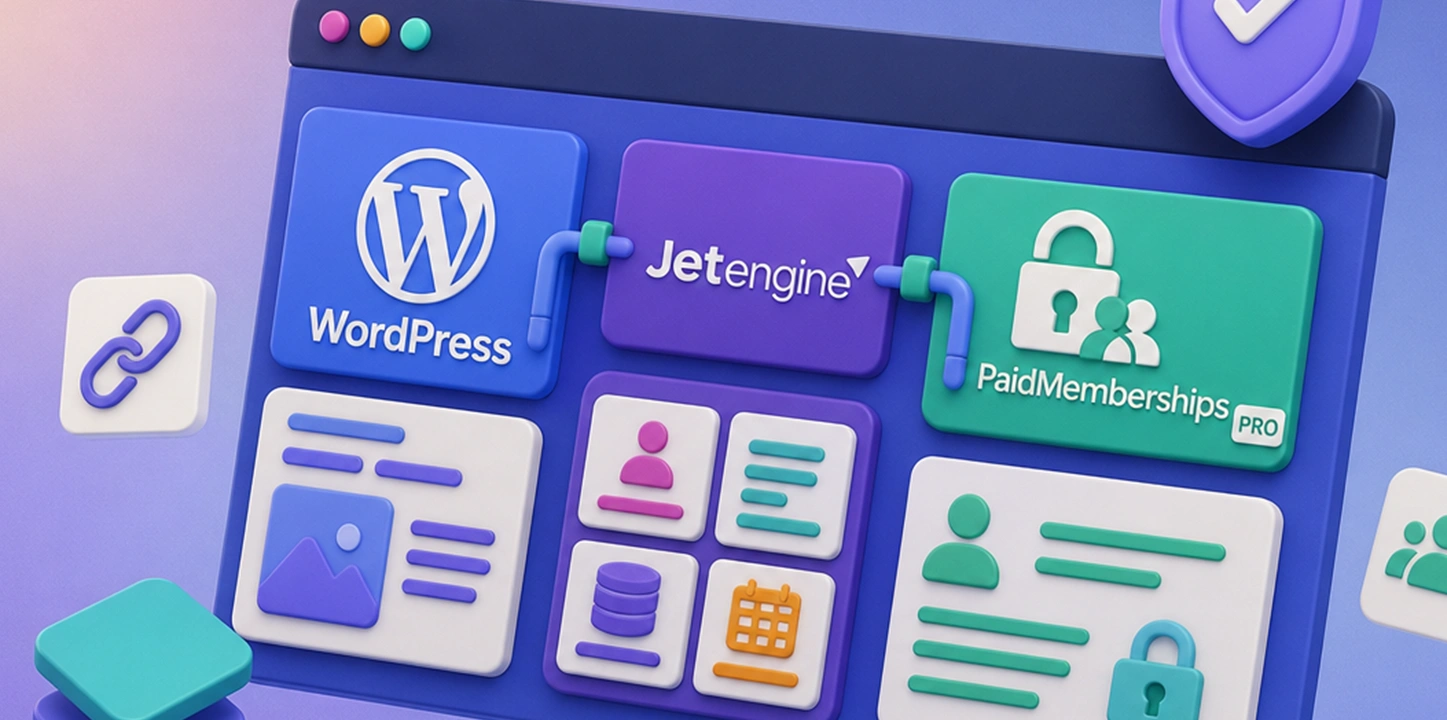
For a recent WordPress project, I built a custom resource library and membership system using JetEngine and Paid Memberships Pro. The website contains two primary content types, Resources and Strategies, organized for different member audiences.
Once members log in, they can browse the content available to them, filter it by topic, save individual posts and mark resources or strategies as tried. Their selections are stored in their accounts, creating personalized libraries they can return to later.
Defining the project requirements
The website needed to organize a growing collection of educational content without overwhelming the people using it.
There were several important requirements:
- Different types of content needed to be managed separately.
- Members should only see content intended for their audience.
- Users needed a way to save useful posts.
- Users needed to mark a resource or strategy as tried.
- Saved and tried items had to remain connected to the user’s account.
- Members needed a dashboard where they could revisit their activity.
- Administrators needed a practical way to organize and manage the content.
- The system needed to accommodate a multilingual website.
This required more than installing a membership plugin and placing posts behind a login form. The membership data, content structure and user interactions all had to work together.
Building the content structure with JetEngine
I used JetEngine to create and manage the website’s custom content structure.
I separated the main types of content into custom post types. This makes the WordPress administration area easier to manage and allows each content type to have its own fields, templates, listings and filtering rules.
From there, I established my base categories and created a hierarchy of topics, subtopics, formats and audiences. The exact structure was designed around how members would naturally look for information rather than how the content happened to be stored internally.
Some categories use a hierarchical structure. Broad parent terms provide the main areas of interest, while child terms provide more specific subjects. This gives administrators a consistent way to categorize content while helping members explore the library without navigating an unorganized list.
JetEngine Listing Grids display the content on the front end. Dynamic queries determine which posts appear based on the current member, their audience and the filters they select.
Connecting content to Paid Memberships Pro
Paid Memberships Pro controls who can access the protected areas of the website.
Rather than assigning both a membership level and a separate access setting to every post, I used the content’s audience classification as the primary source of truth. Each audience maps to the appropriate Paid Memberships Pro access level.
When a member logs in, the system identifies their access level and connects it to the correct audience. JetEngine queries can then display the content intended for that user.
This approach avoids duplicating access settings. An administrator categorizes the post for an audience, and the system handles the membership connection.
I also added protection to individual posts. If someone attempts to open content that is not available through their access level, the website directs them to the appropriate access information.
Throughout the website, I replaced much of the standard “Membership” terminology with “Access.” This language was a better fit for a program where users receive access to protected resources rather than joining a traditional membership organization.
Letting members save content
One of the most important features is the ability for members to create their own collection of content.
A logged-in user can save a Resource or Strategy directly from the front end. The post is then connected to that user’s account and displayed in a personalized dashboard.
The save button also communicates the current state clearly. When an item has already been saved, the interface reflects that status instead of continuing to present the initial action.
Because the saved information belongs to the user rather than the post, it follows the member throughout the website. It remains available whenever they log in, even if they use a different device.
The same system works across multiple content types, giving members one consistent way to save useful information throughout the website.
Adding the “Tried” feature
Saving a post does not necessarily mean someone has used it. I wanted the system to recognize that difference.
Members can mark a Resource or Strategy as tried. This creates another useful status that is stored with their account.
The distinction gives members a simple workflow:
- Find a useful item.
- Save it for later.
- Return to it from the member dashboard.
- Mark it as tried after using it.
This turns the library into a practical tool rather than a passive archive. Members can keep track of ideas they want to explore as well as the ones they have already put into practice.
Behind the scenes, the tried status is connected to the logged-in user and the relevant post. The interface checks that stored information when displaying content, so it can show the correct state for each member.
Creating the personalized member dashboard
The member dashboard brings the user-specific information together.
Instead of asking members to search through the full library every time they return, the dashboard displays the content they have saved and the items they have marked as tried.
JetEngine listings and dynamic visibility rules allow the dashboard to respond to the logged-in user. One member’s saved content is never mixed with another member’s selections.
The dashboard also makes the website feel more like a custom application. The content is still managed through WordPress, but the member experiences a personalized workspace built around their activity.
Filtering a large resource library
As the number of posts grows, filtering becomes essential.
I created front-end filters that work with the JetEngine listings. Members can narrow the results using the categories, topics and formats relevant to their audience.
The filtering interface was designed to keep a large number of options manageable. Hierarchical categories allow related subtopics to remain grouped under broader subjects, while active filter indicators show members which options they have selected.
Results update dynamically, allowing members to explore the library without repeatedly loading a new page.
A considerable amount of custom JavaScript and Sass was used to refine the experience. This included controlling interactive panels, button labels, active states, hierarchical filter displays, animations and responsive layouts.
Building for administrators as well as members
A custom system also needs to work well behind the scenes.
I added administration features that make the content easier to manage, including:
- Custom columns in the WordPress post lists
- Administrative taxonomy filters
- Quick Edit and Bulk Edit support
- Required-field validation
- Custom category ordering
- Clear organization of hierarchical terms
Requiring certain classifications before publishing was particularly important. If content is published without an audience, the membership system cannot reliably determine who should see it.
These safeguards reduce mistakes and make the system easier for other administrators to maintain.
Connecting multiple WordPress systems
The most complex part of this project was not creating the individual features. It was making all of them behave like one coordinated system.
JetEngine understands custom content, fields, listings and queries. Paid Memberships Pro understands users and access levels. WordPress understands posts, taxonomies and user accounts. Custom development was needed to connect those systems.
Some of the important technical considerations included:
- Mapping access levels to content audiences
- Filtering listings for the current member
- Protecting individual posts
- Saving content to the correct user account
- Supporting multiple content types
- Preserving user selections between sessions
- Accommodating multilingual content
- Keeping the administration workflow manageable
- Updating listing results without unnecessary page reloads
I also needed to consider what would happen as the library grew. The category structure and listing queries had to support new posts, new subtopics and changes to the content structure without requiring the entire page to be rebuilt.
The result
The finished system is more than a password-protected collection of posts.
It is a personalized WordPress resource library where members can:
- Access content selected for their audience
- Browse multiple types of content
- Filter content by topic and format
- Save useful posts
- Mark items as tried
- Return to their selections through a member dashboard
- Use the system in multiple languages
Administrators can continue managing the content through WordPress, while members receive an experience that feels organized, personalized and purpose-built.
JetEngine and Paid Memberships Pro provided a strong foundation, but the real value came from connecting them through carefully planned content relationships, custom queries and user-specific functionality.
This is the kind of WordPress development I enjoy most. It combines information architecture, interface design and custom programming to create something that is both easy to manage and genuinely useful to the people using it.
From the Blog:
How AI helped stream the process of migrating Woocommerce to PMPRO

Managing AI Bots to Maintain Strong Website Performance and Optimal SEO
WordPress Developer vs. WordPress Editor: What’s the Difference?

The Importance of Having a Blog for Freelancers

Artificial Intelligence (AI) and Video Editing: Video Editors Matter, Now More Than Ever

Leave a Reply